10 Signs You Need an LMS for Your Growing Team
You're onboarding new employees with a mix of Google Docs, Slack messages, and "just shadow Sarah for a week." Your compliance training lives in an Excel file. Someone asked about last quarter's product update training, and you can't find the recording.

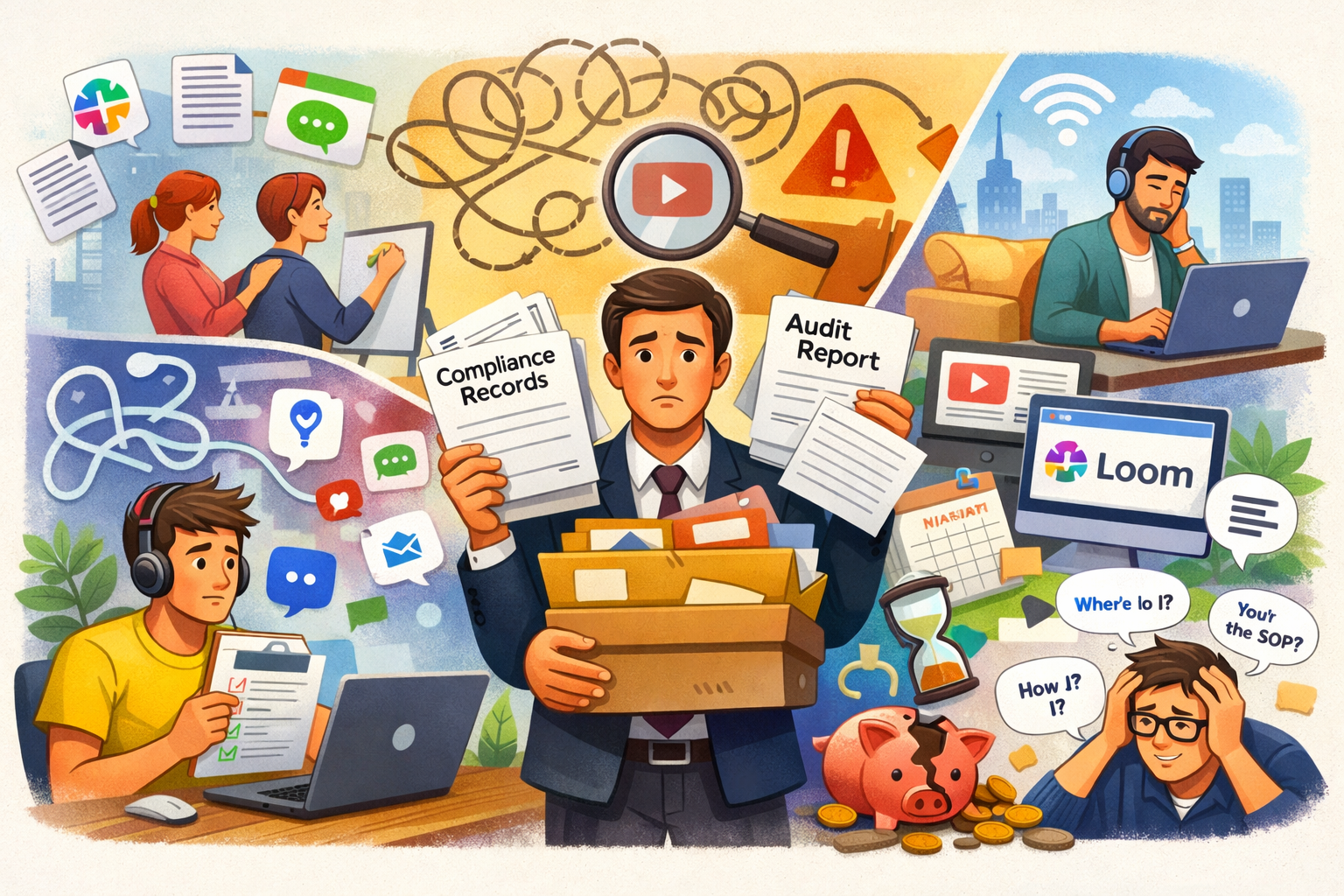
You're onboarding new employees with a mix of Google Docs, Slack messages, and "just shadow Sarah for a week." Your compliance training lives in an Excel file. Someone asked about last quarter's product update training, and you can't find the recording.
Sound familiar?
If you're nodding along, you're not alone. Most companies start with makeshift training solutions—and they work fine when you have 10 employees. But somewhere between 20 and 100 people, the cracks start showing.
Here are 10 concrete signs it's time to stop patching things together and invest in a proper Learning Management System (LMS).
1. New Hires Take Weeks (Not Days) to Get Up to Speed
Remember when onboarding took an afternoon? Now it's a multi-week scavenger hunt where new employees ping 5 different people to find training materials.
What's happening:
- Training documents live in random Google Drive folders
- No one remembers where the updated SOPs are saved
- Every manager onboards differently
- Critical information gets forgotten until someone asks
The cost: Your new hire isn't productive for 4-6 weeks instead of 1-2 weeks. At $60k salary, that's roughly $6,000 in lost productivity per employee.
A corporate LMS centralizes everything. New hires log in on day one and see exactly what they need to complete, in order. No more treasure hunts.
2. You Can't Prove Compliance Training Happened
Your industry requires annual compliance training. When the auditor asks for proof that everyone completed their GDPR training, you dig through 47 email threads trying to piece together who actually watched the video.
Red flags:
- You rely on "I'm pretty sure everyone did it"
- Completion records live in someone's personal spreadsheet
- You can't produce audit reports without days of manual work
- Employees claim they completed training but you have no proof
The risk: Compliance violations can cost €20,000+ per incident. Some industries face criminal liability.
An LMS automatically tracks who completed what training, when they finished it, what score they got, and generates audit reports in seconds. This alone pays for the system.
3. Training Content Is Scattered Across 8 Different Tools
Your product training is in Loom. The sales playbook is in Notion. HR policies are in a shared Drive folder. The leadership workshop slides are... somewhere.
What this costs you:
- Employees waste 30+ minutes per week searching for information
- Different teams use different tools (inconsistent experience)
- No single source of truth
- Information gets outdated and no one notices
Here's what actually happens: Someone asks a question in Slack. Three people give three different answers. Everyone wastes time. The new process never gets documented.
Employee training software puts everything in one place. One login. One search bar. Every training resource indexed and up to date.
4. You're Creating the Same Training Content Over and Over
Sarah spent 8 hours creating a "How to Use Our CRM" presentation. It was great! Then 3 months later, Mike created another version because he couldn't find Sarah's. Now you have 4 versions, and no one knows which is current.
The pattern:
- Each manager creates their own onboarding materials
- Departments duplicate work without knowing it
- Good content gets lost and recreated from scratch
- No version control means outdated information spreads
Time wasted: If each manager spends 10 hours per quarter recreating training materials, that's 40 hours per year per manager. With 5 managers, that's 200 hours of duplicate work.
An LMS gives you a content library. Create once, use forever. Update in one place, everyone sees the latest version. Tag courses by department, role, or topic.
5. Remote Employees Miss Out on Training
Your in-office team gets regular training. Your remote employees... don't. They miss the workshops. They're not in the office when someone does an informal product demo. They're always playing catch-up.
What suffers:
- Remote employees feel disconnected and uninformed
- Performance gaps emerge between office and remote workers
- You accidentally create a two-tier culture
- Remote folks are more likely to quit (and it costs $25k+ to replace them)
This got worse after 2020. If your training strategy requires people to be in the same room, you're excluding a growing chunk of your workforce.
Employee onboarding software works from anywhere. Remote employees get the same training experience as office workers. Everyone stays aligned.
6. You Can't Measure What's Working
You spent $5,000 on a sales training program. Did it work? Who knows! You have no idea if people completed it, if they understood it, or if it changed their behavior.
What you're missing:
- Completion rates (are people actually doing the training?)
- Quiz scores (did they understand it?)
- Time spent on each module (where do people get stuck?)
- Business impact (did sales improve after training?)
Without data, you're flying blind. You might be investing in training that no one uses or that doesn't work.
A good LMS tracks everything. You can see exactly which courses have high completion rates, where people struggle, and—most importantly—tie training completion to business outcomes like faster ramp time or higher sales.
7. Subject Matter Experts Are Drowning in "How Do I?" Questions
Your senior developer spends 10 hours per week answering the same questions from new hires. Your head of customer success gets pinged constantly with "How do we handle refunds?"
The drain:
- Your highest-paid employees spend time on repetitive questions
- They get frustrated and burned out
- New employees feel annoying for asking
- Everyone's productivity tanks
Here's the fix: Turn those FAQs into training courses. Record the answer once, add it to your LMS. Now when someone asks, you send them the course link.
That senior developer gets 10 hours back per week. That's 40 hours per month—a full work week—returned to high-value work.
8. Different Teams Are Getting Different Information
Marketing thinks the product launches in Q2. Sales thinks it's Q1. Support is still training on the old feature set. No one's aligned because training happened in 3 different team meetings with 3 different messages.
The damage:
- Customers get inconsistent information
- Teams make decisions based on outdated info
- You waste hours in "alignment meetings" fixing miscommunication
- Trust erodes across departments
When training is decentralized, this is inevitable. An LMS creates one source of truth. When the product roadmap changes, you update one course. Every team sees the same information instantly.
9. Creating Training Takes Forever
Your L&D manager needs 3 weeks to create a single course. They're not slow—they just don't have the right tools.
The process:
- Write content in Google Docs
- Design slides in PowerPoint
- Record videos in Loom
- Assemble everything in... another tool?
- Email links to everyone and hope they complete it
This is painful. And when something needs updating, you start over.
Modern LMS software includes AI course creation. You input a topic and learning outcomes, and the system generates a complete course in minutes—not weeks. Your L&D team can focus on strategy instead of formatting slides.
10. You're About to Scale and Training Is Your Bottleneck
You're planning to double headcount next year. Currently, your head of HR personally onboards every new hire. That takes 8 hours per person.
The math:
- Current: 2 new hires per month × 8 hours = 16 hours/month
- After growth: 8 new hires per month × 8 hours = 64 hours/month
Your HR lead literally cannot onboard that many people. They'd spend entire weeks doing nothing but onboarding calls.
You have two options:
- Hire more HR people (expensive)
- Automate onboarding with an LMS (scalable)
Option 2 is better. An LMS lets you onboard 10 people as easily as 1 person. Your HR team shifts from delivering training to designing training. You can scale from 50 to 500 employees without proportionally scaling your HR headcount.
How to Choose the Right LMS
If you recognize 3+ of these signs, you need an LMS. But not all LMS platforms are the same.
What to look for:
- Quick setup: You should be up and running in days, not months
- AI course creation: Reduces course creation time by 80%
- HRIS integrations: Automatically syncs with your HR system (Personio, BambooHR, etc.)
- Analytics: Track completion, engagement, and business impact
- Affordable for SMEs: Enterprise LMS platforms cost $50k+/year. Look for SME-focused options
Check out our complete LMS pricing guide to understand what different platforms cost and what you should expect to pay based on your company size.
The Bottom Line
If your training is scattered, your team is growing, and you're spending more time organizing training than delivering it—you need an LMS.
The cost of not having one is higher than you think:
- Lost productivity from slow onboarding: $6,000+ per hire
- Compliance violations: $20,000+ per incident
- Wasted time recreating content: 200+ hours per year
- Employee turnover from poor training: $25,000+ per departure
Modern LMS platforms designed for SMEs start around €325/month. That investment pays for itself if it saves just one compliance violation or reduces onboarding time by one week per employee.
Want to see how an LMS would work for your specific situation? Book a demo and we'll walk you through it.